- Home
- Troubleshooter
- Customer relations
Online booking system: appointments without the phone tag
Booking appointments means days of back-and-forth phone calls.
When appointments are arranged by phone and message, a lot of time goes on back-and-forth, and double bookings happen easily. With an online booking system, customers pick from genuinely free slots themselves, and confirmations and reminders go out automatically.
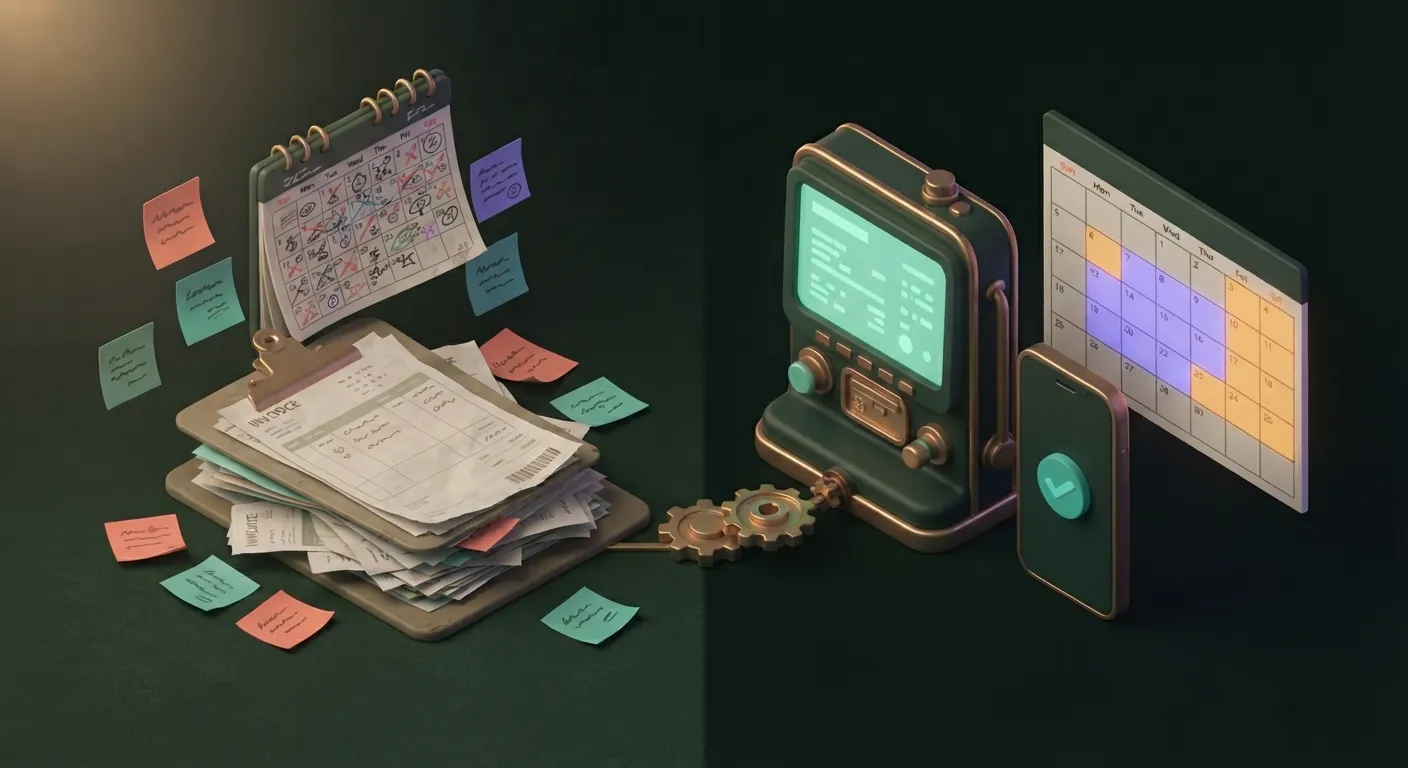
Sound familiar?
- We have to pick up the phone in the middle of work just for an appointment.
- We gave the same slot to two people.
- The customer forgot and didn't turn up.
- They'd think of booking in the evening, but nobody answers then.
Now and after
Now
Back-and-forth, a notebook or a calendar
After
Appointment booking
- Booking into free slots
- Confirmation and reminder
- In the calendar straight away
What does this cost you now?
An example: 8 appointments arranged a day, 6 minutes of calls and messages each. Over a year, that comes to roughly:
And that doesn't include the revenue lost to no-shows.
How we fix it
We map out what can be booked
Services, durations, staff, locations or equipment, and the rules: how far ahead people can book and until when they can cancel.
Booking into genuinely free slots
Customers pick a slot on your website or via a link. The system knows from the calendar what's free, so there are no double bookings.
Confirmation and reminder
Customers get an immediate confirmation and a reminder before the appointment, with the option to cancel or reschedule.
Connected to everything else
The booking appears in the calendar and, if needed, a deposit, invoice or receipt is created for it.
What you get
- Fewer calls, fewer no-shows.
- Booking around the clock.
- No double bookings.
- You can see how full the week is.
What it connects to
With your existing calendar (such as Google Calendar or Outlook), your website, invoicing software and online payment. If bookings generate receipts, the receipt data to be reported to Hungary's tax authority (NAV) can be handled too.
Frequently asked questions
Why isn't an off-the-shelf booking tool enough?
Can we take a deposit or online payment?
Can people still book by phone?
How much does an online booking system cost?
How many calls do you spend arranging appointments?
Describe in a few sentences where work gets stuck. There's no obligation: it simply starts a conversation in which we show you what can be done.
Fix this for me